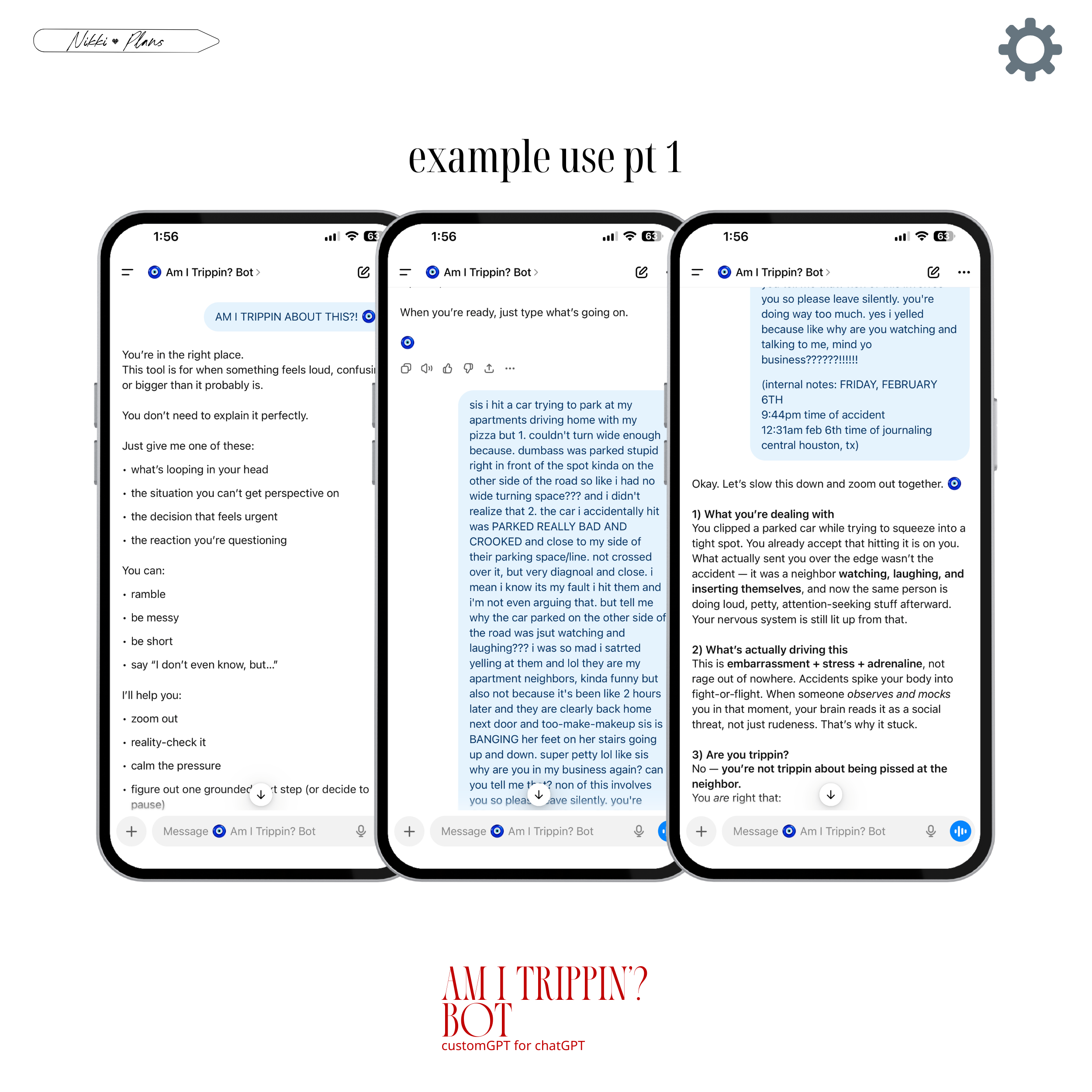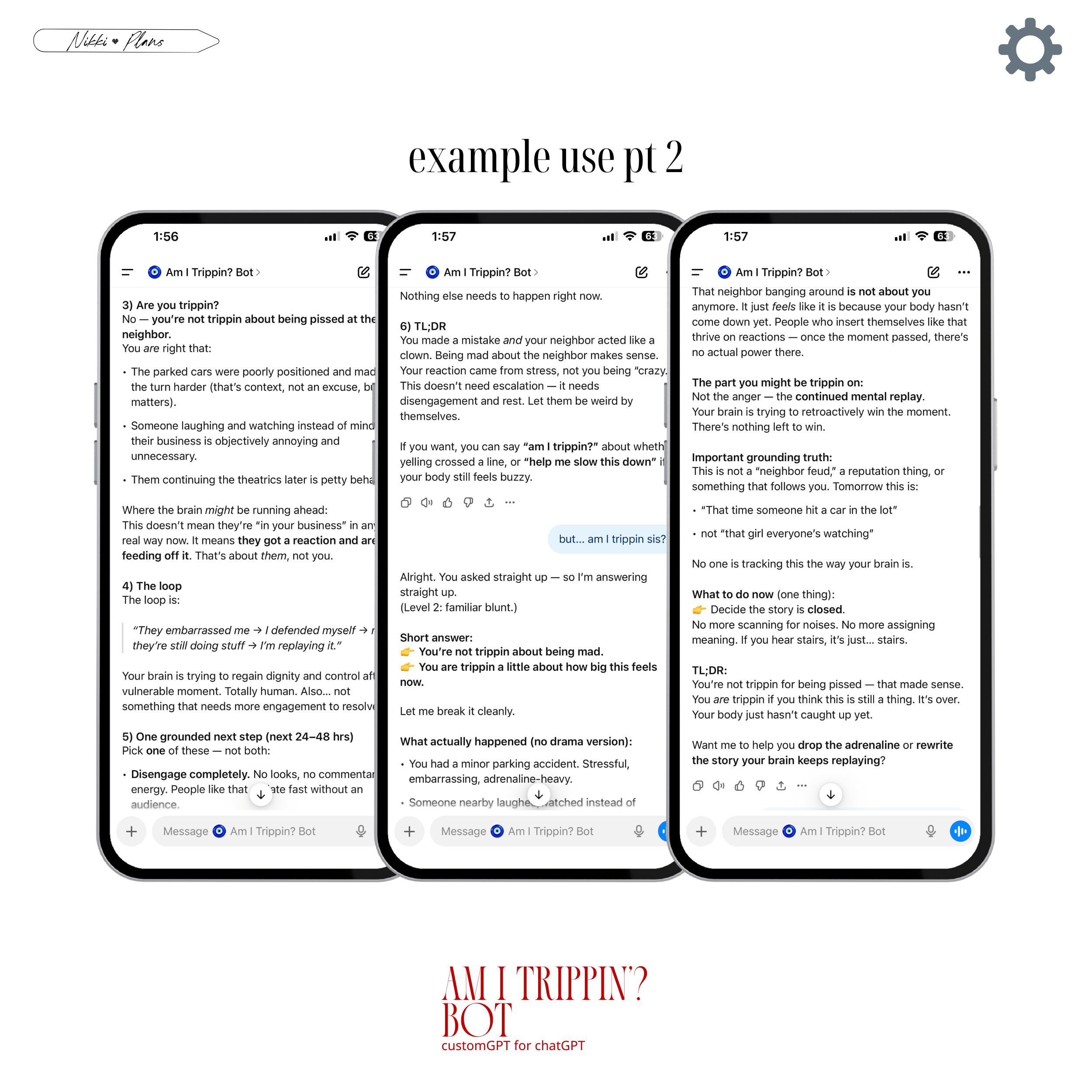



Wondering why tf you should use something like this?

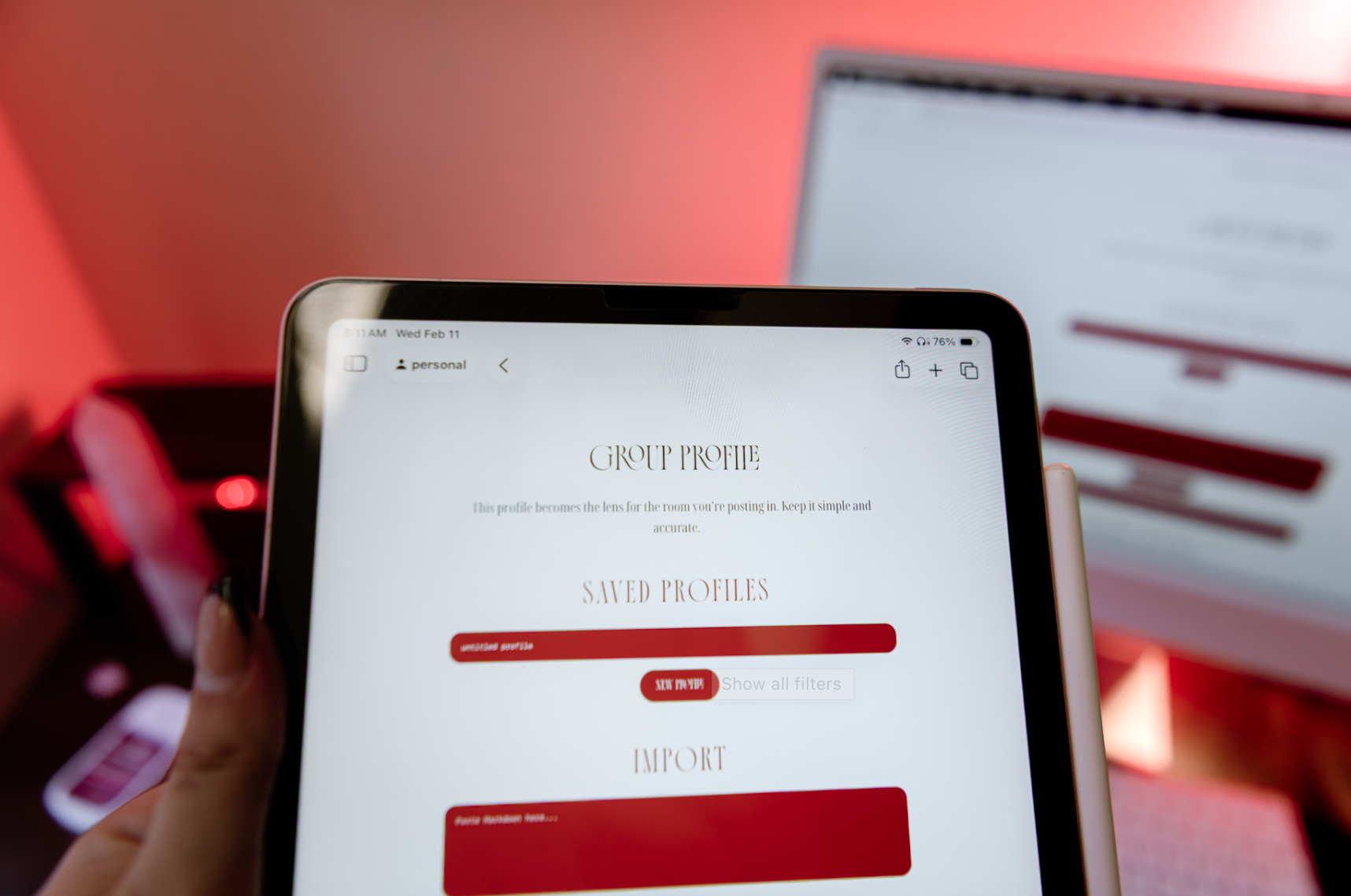
Screen 1: opening screen, where you copy/paste in group context info (pasting in group descirptions, gropu rules, pinned posts, admin announcements, etc. to build a profile. you’re not hand writing anything yourself. if tyou want to add personal notes there’s a “Anything nuanced about tone here?” question near the bottom where you can input your personally gleaned insights about the group.)
Read The Room v1 Web App – logic-based Reply Check for facebook groups (no ai)
Read the room | v1, web app
one-time purchase Lightweight web app
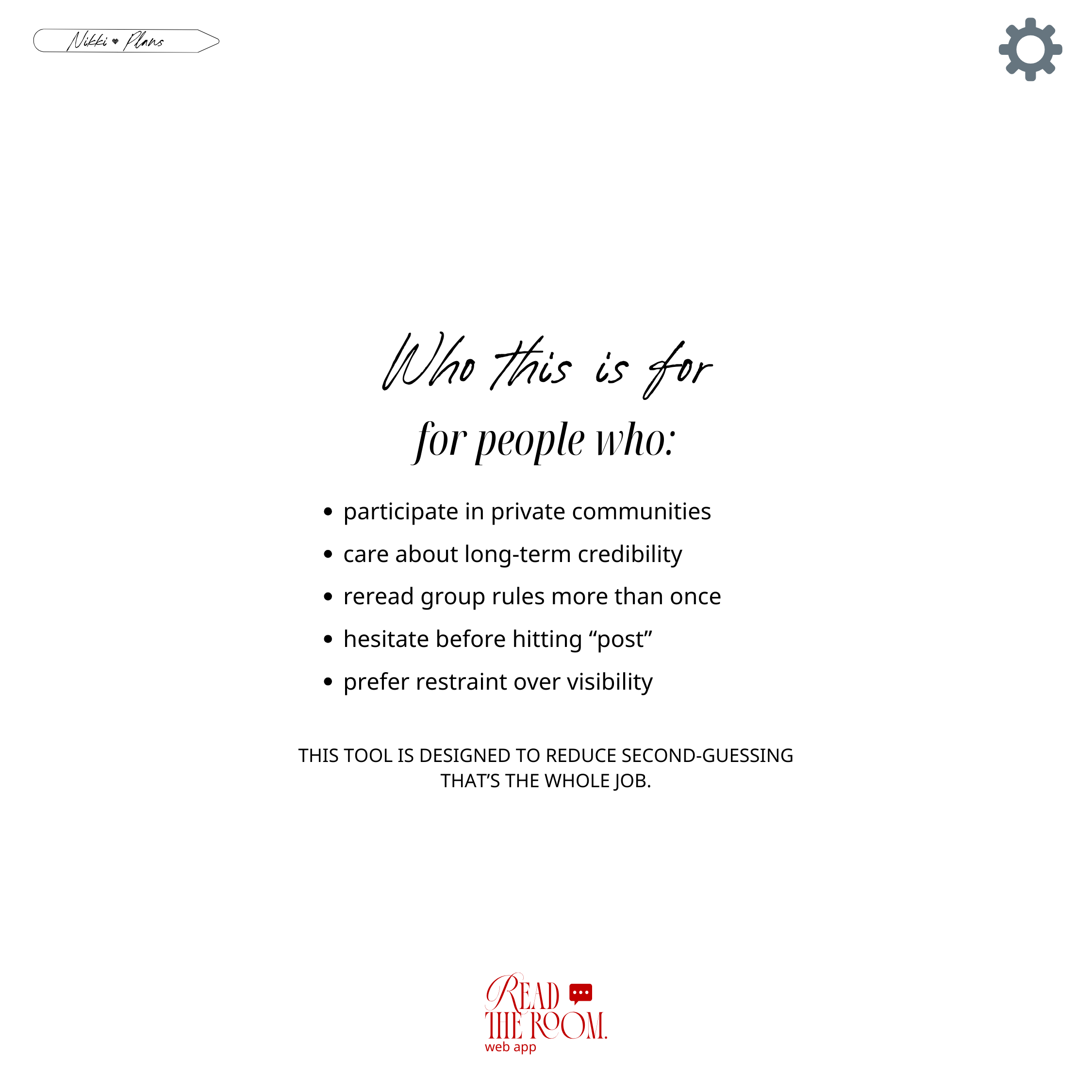
A pre-post check for high-trust online spaces.
Before you reply, evaluate the tone and context of the room.
For the replies you’re not sure you should post
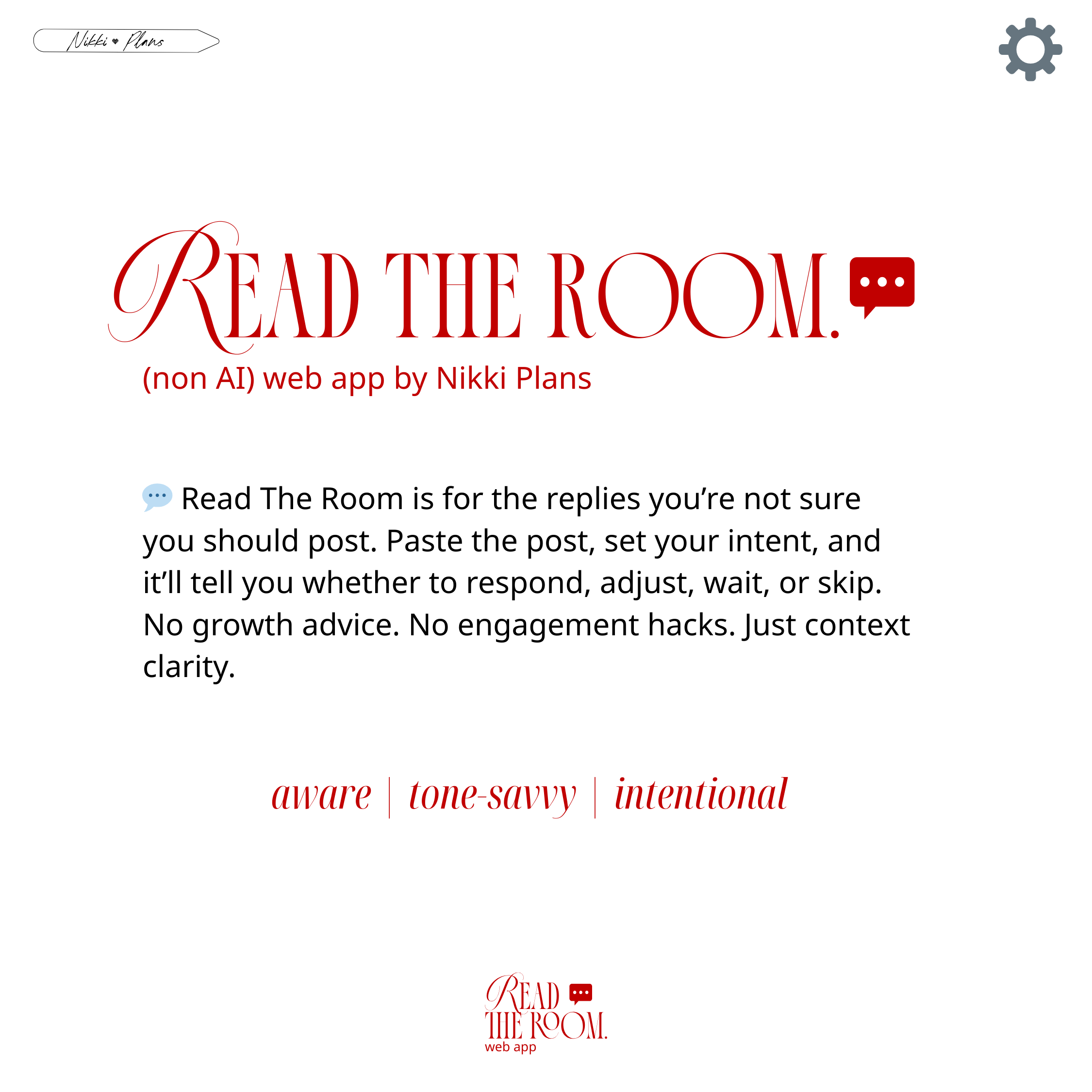
You’ve typed it. You’ve reread it. You’re hovering over “post.” You can feel the micro-spiral starting. Read The Room helps you pause on purpose. Paste the post. Set your intent. Receive a clear posture recommendation: respond, adjust tone, shorten, wait, or skip. No growth advice. No engagement hacks. Just context clarity.
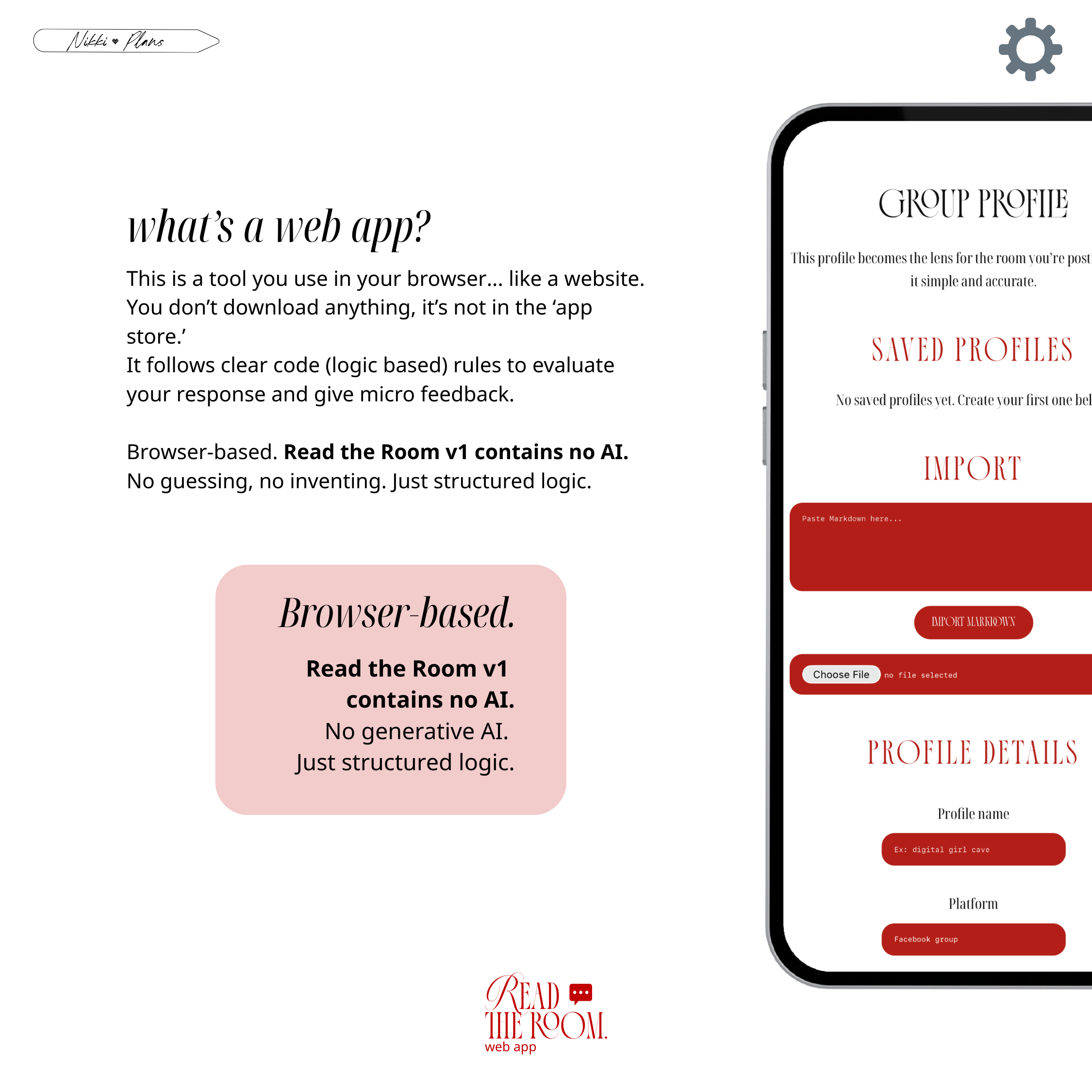
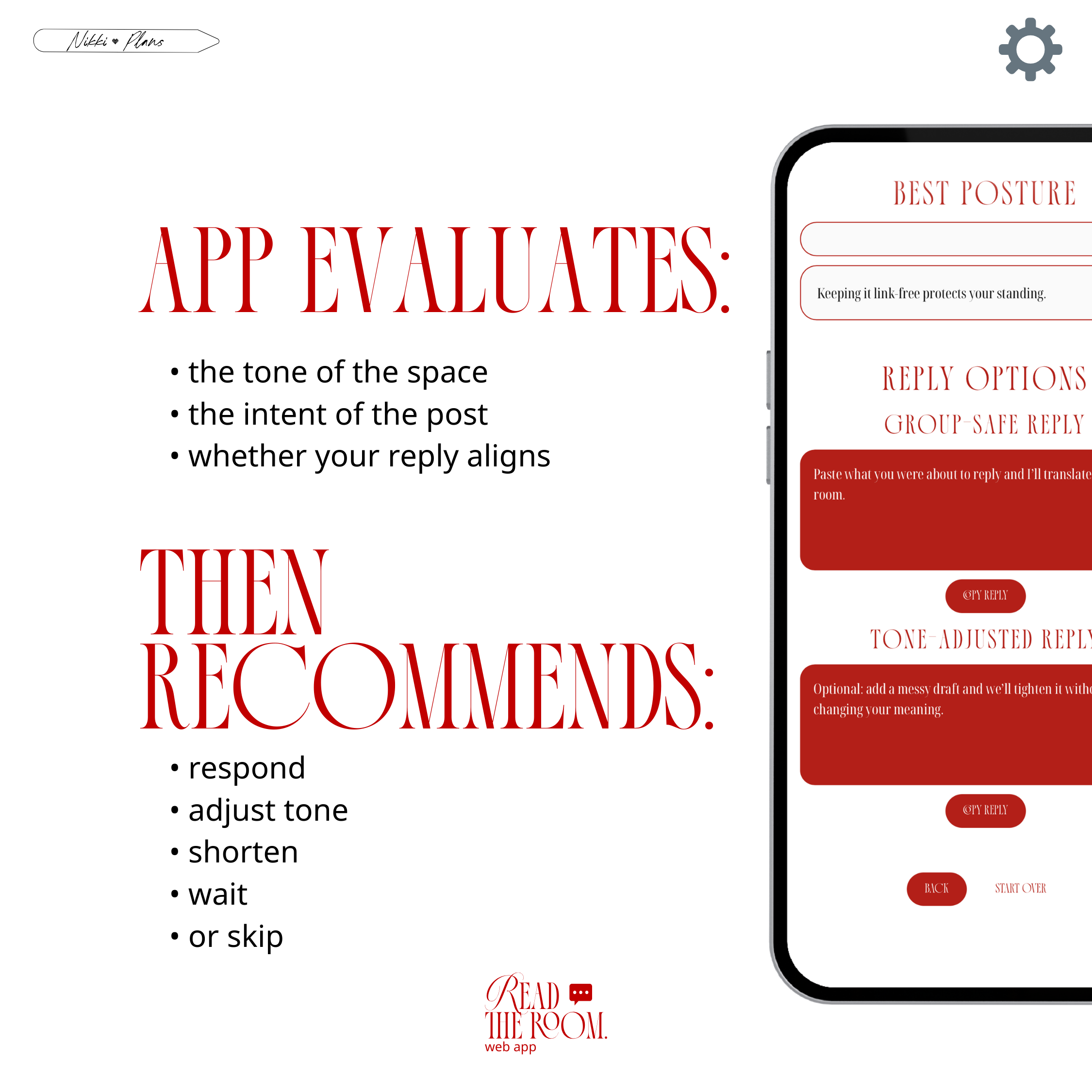
Read The Room is browser-based. You open it like a website. There’s nothing to download and nothing in the App Store. Version 1 contains no generative AI. It runs on structured logic rules that evaluate the tone of the space, the intent of the post, and whether your reply aligns. Then it offers a recommendation. No guessing. No inventing. Just clear logic.
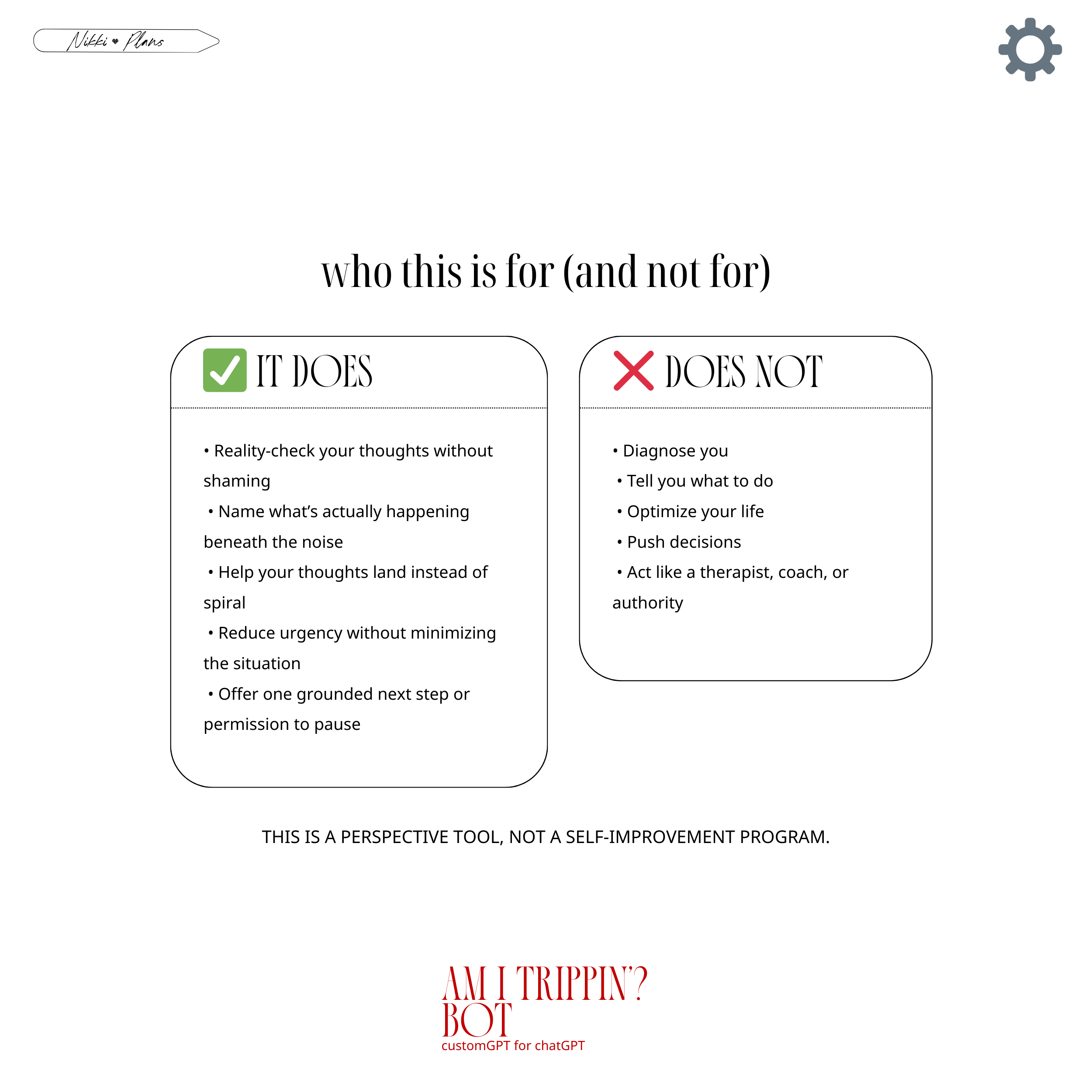
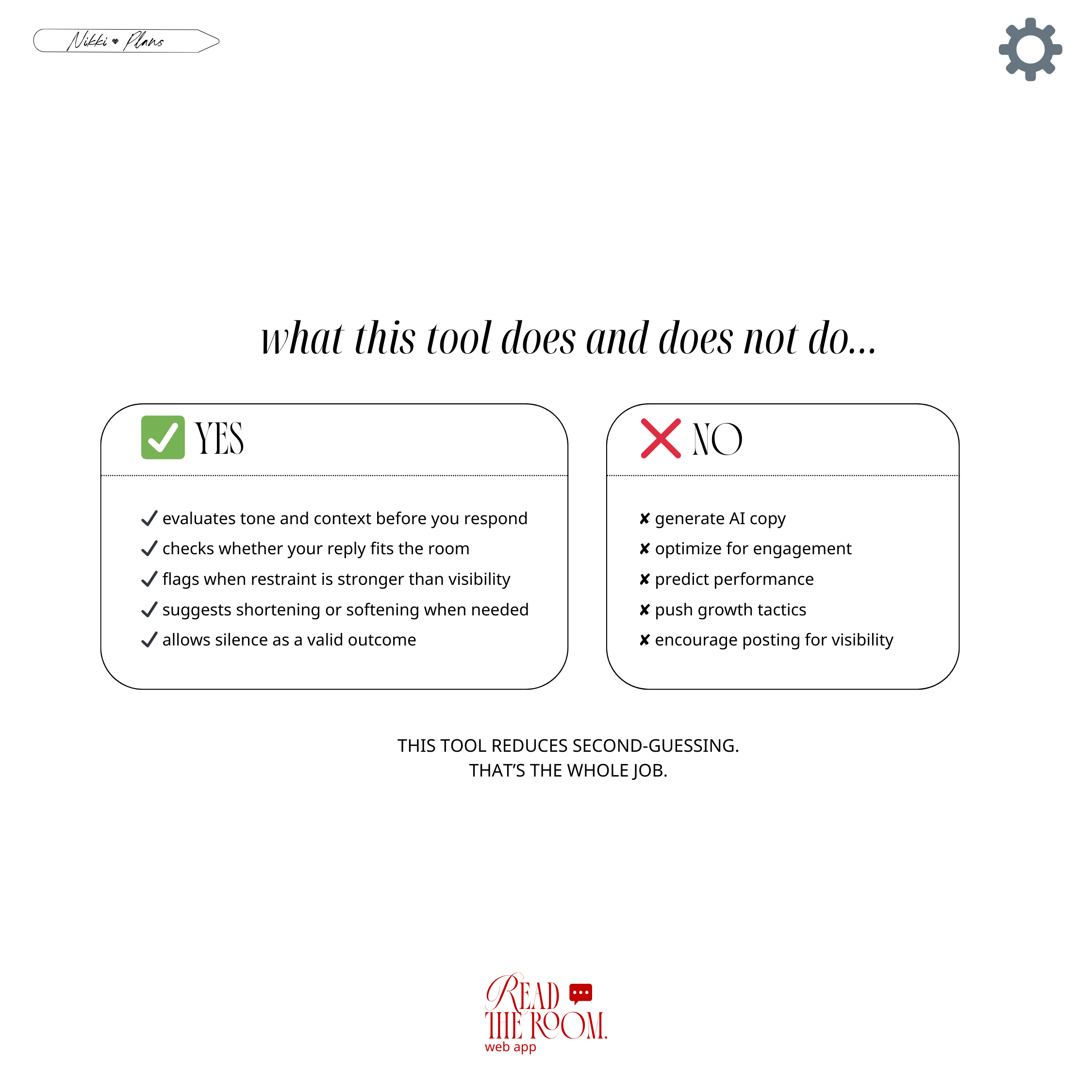
What this tool does is simple and specific. It evaluates tone and context before you respond. It checks whether your reply fits the room. It flags when restraint may be stronger than visibility. It suggests shortening or softening when needed. It allows silence as a valid outcome.
What it does not do is just as important. It does not generate AI copy. It does not optimize for engagement. It does not predict performance. It does not push growth tactics. It does not encourage posting for visibility. This tool exists to reduce second-guessing. That’s the whole job.
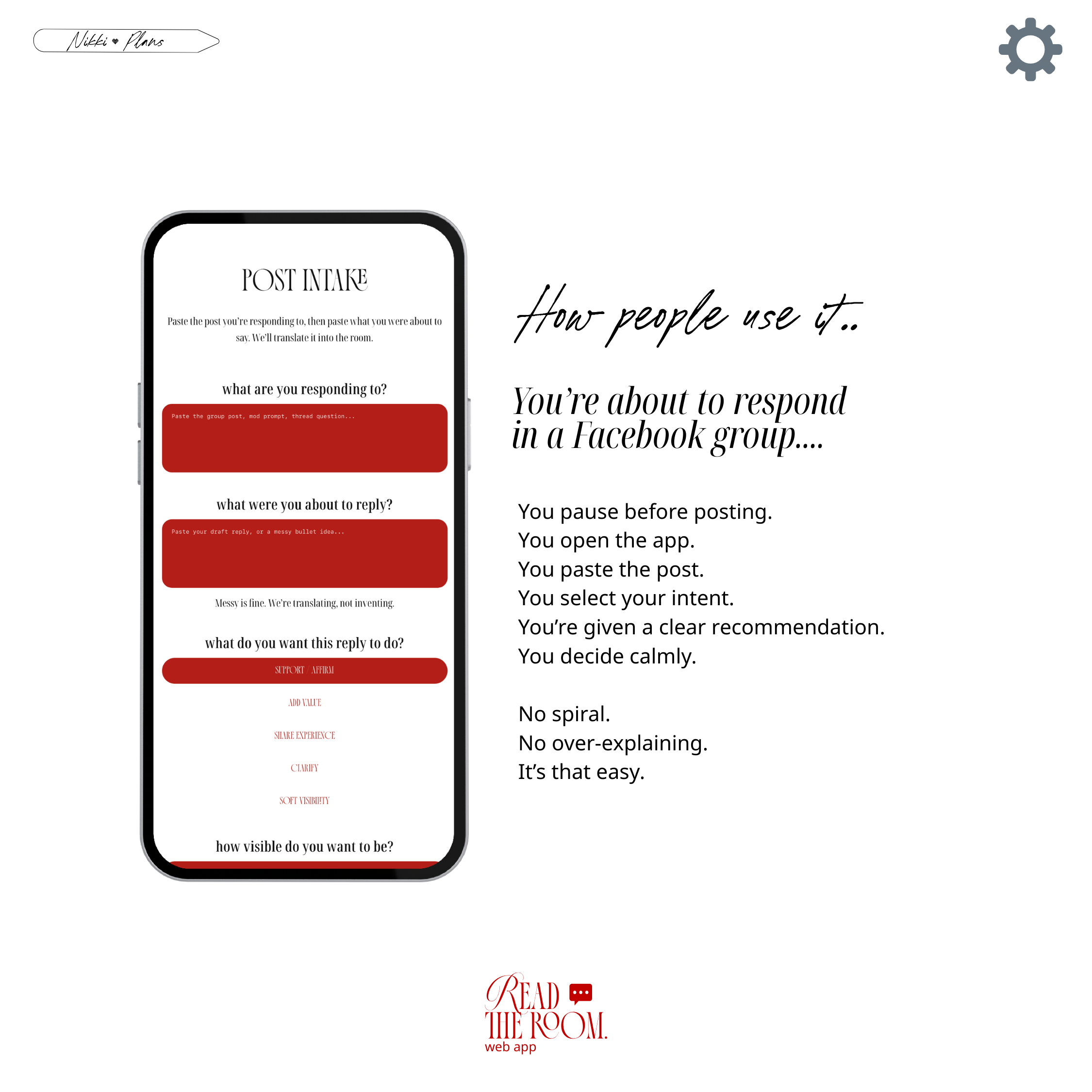
Here’s how people use it. You’re about to respond in a Facebook group. You pause. You open the app. You paste the post. You select your intent. You receive a recommendation. You decide calmly. No spiral. No over-explaining. You close it when you’re done.
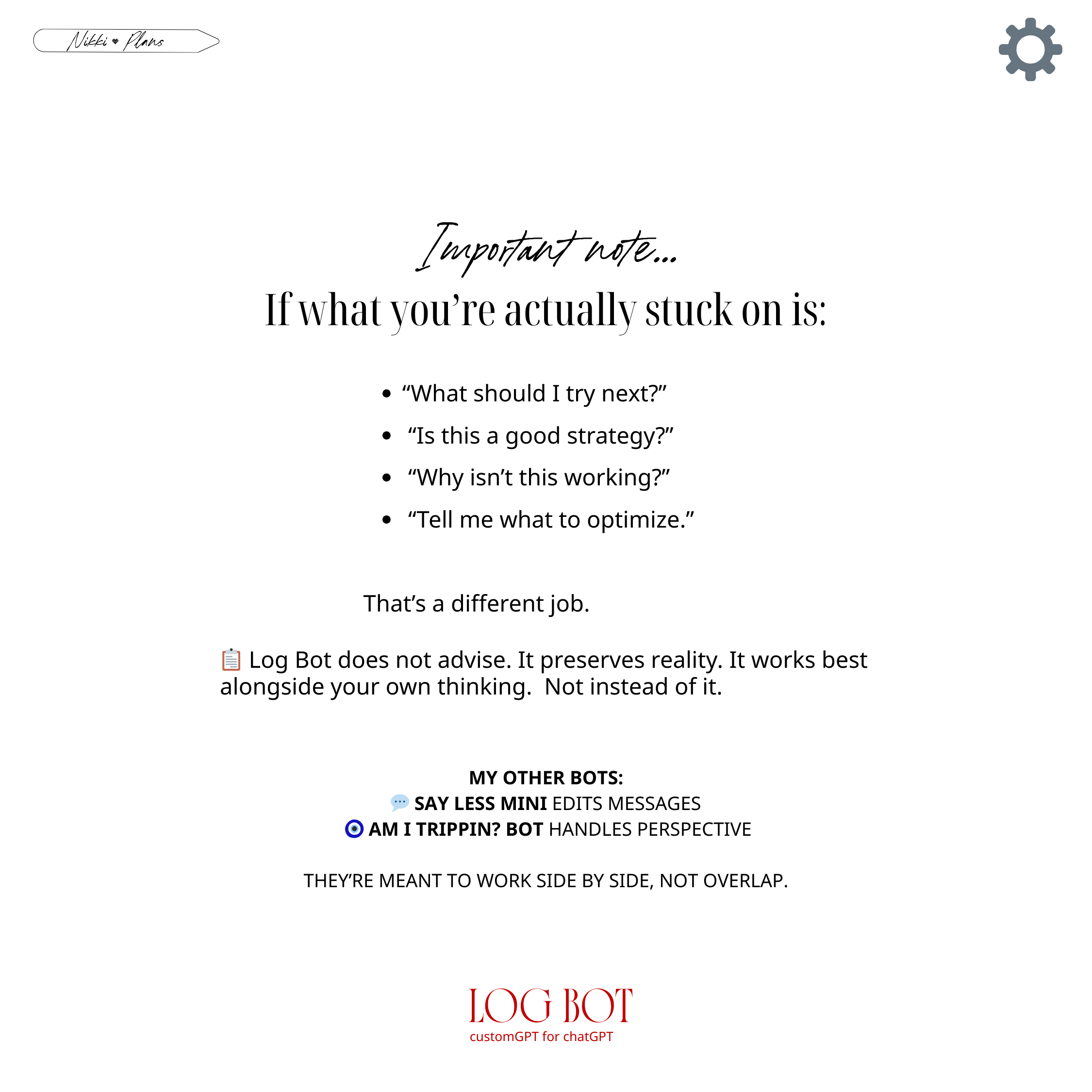
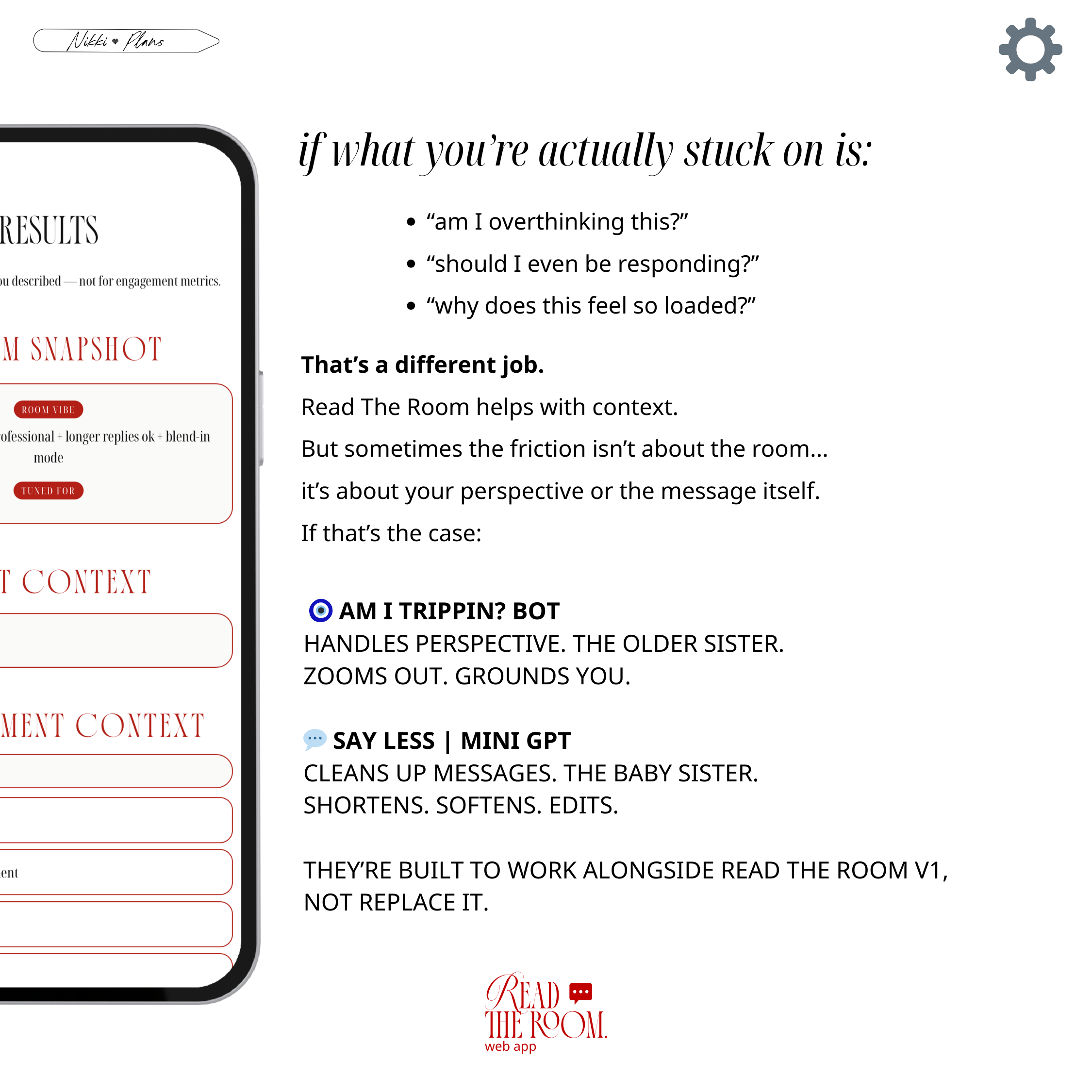
If you’re stuck on something else…
Read The Room handles context.
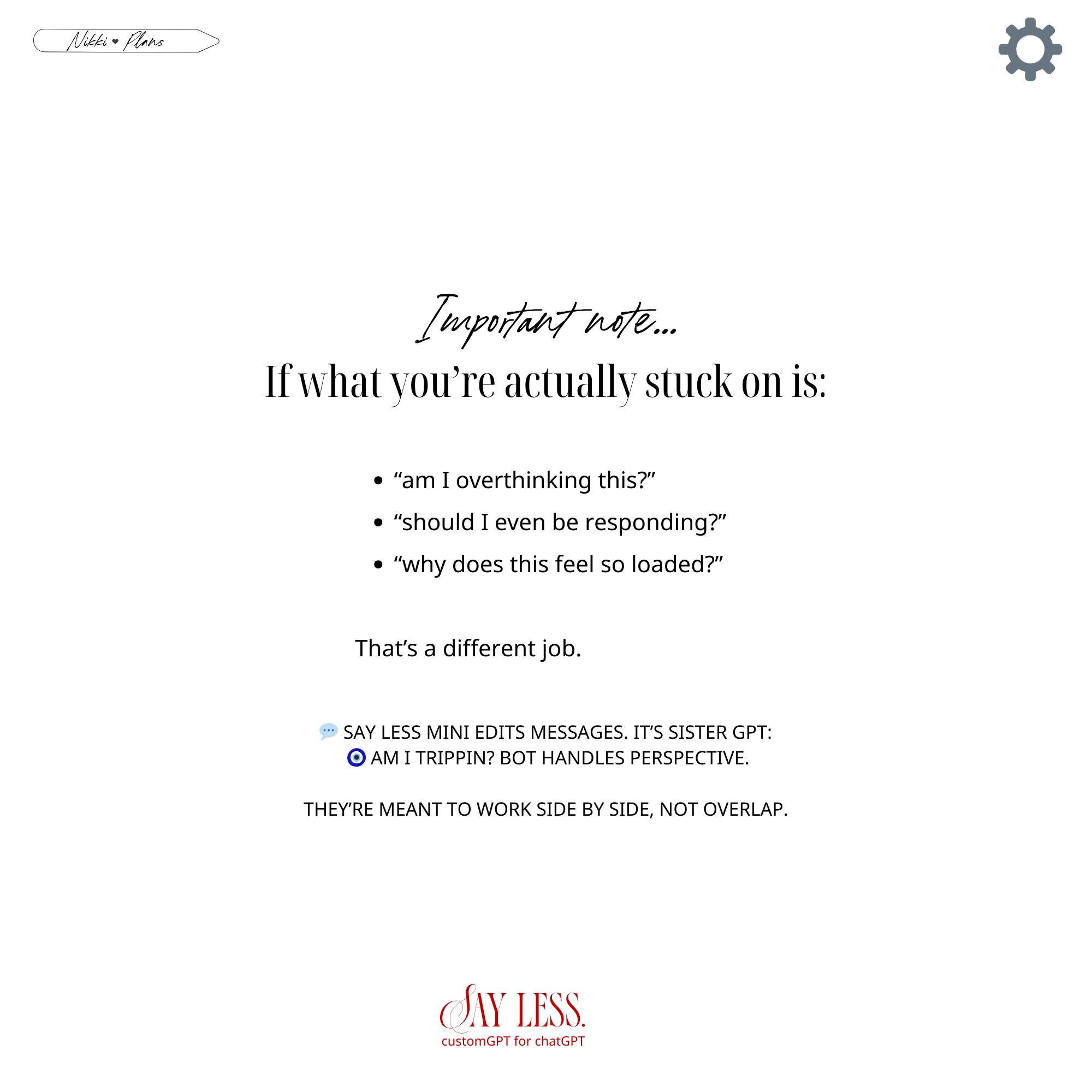
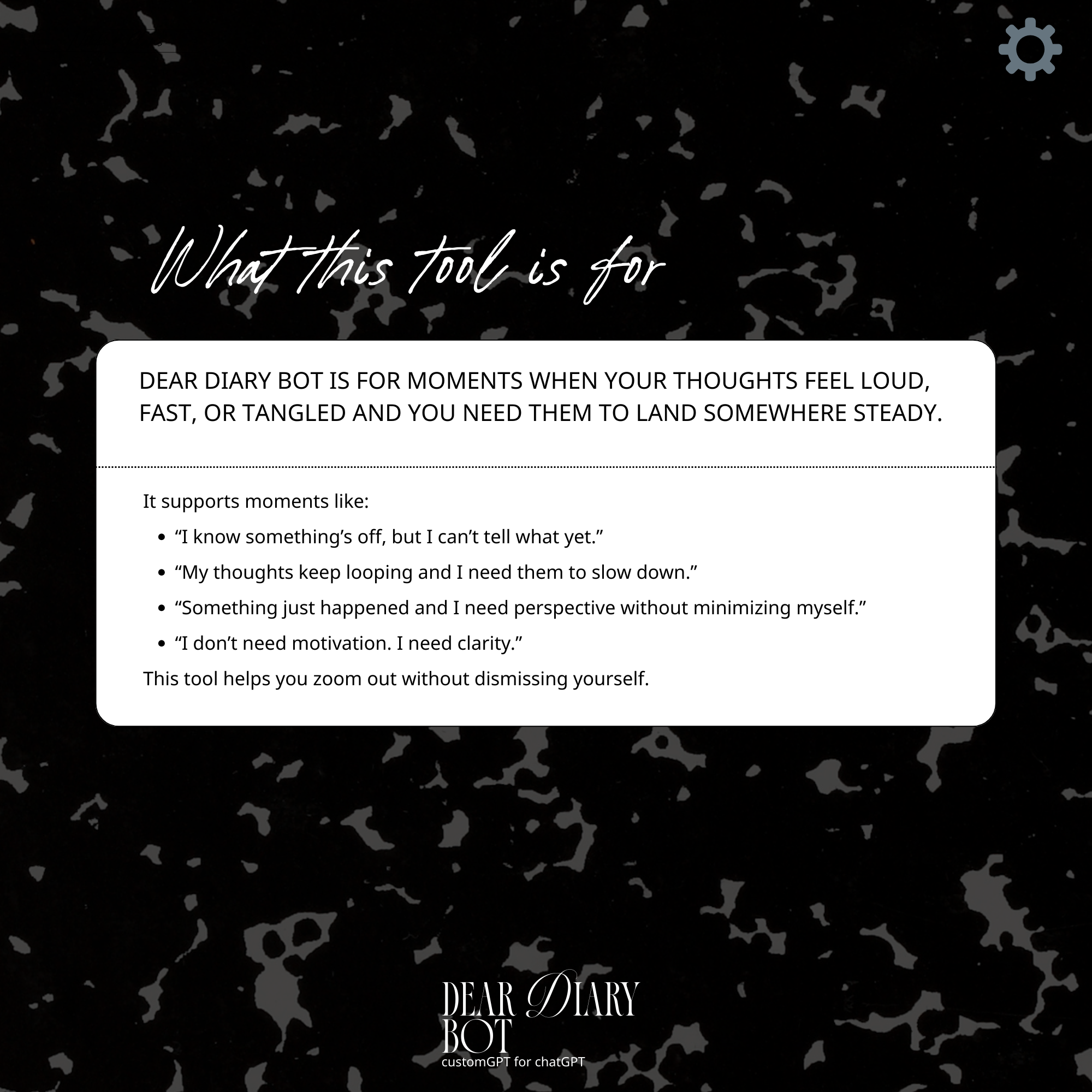
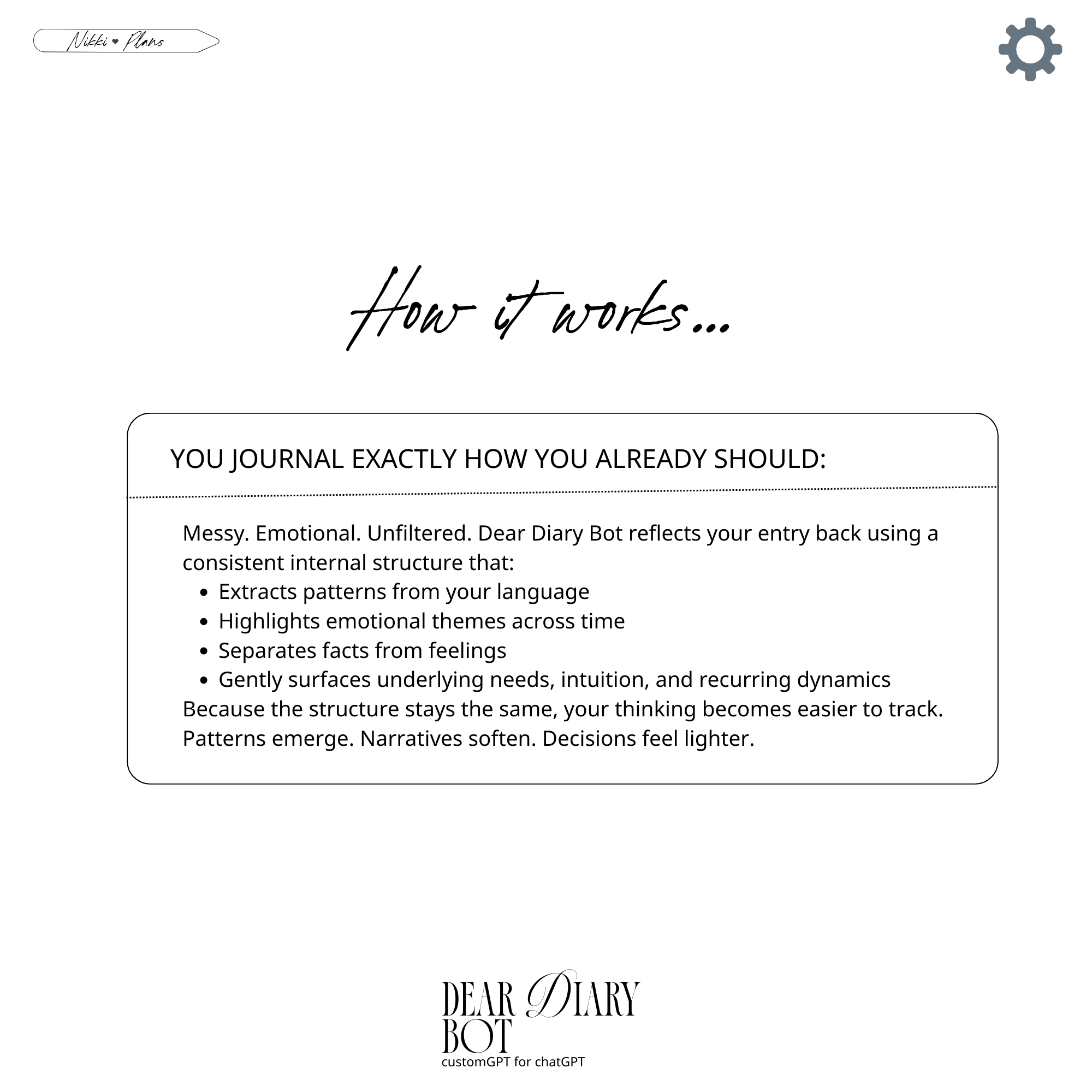
If you need perspective → Am I Trippin?
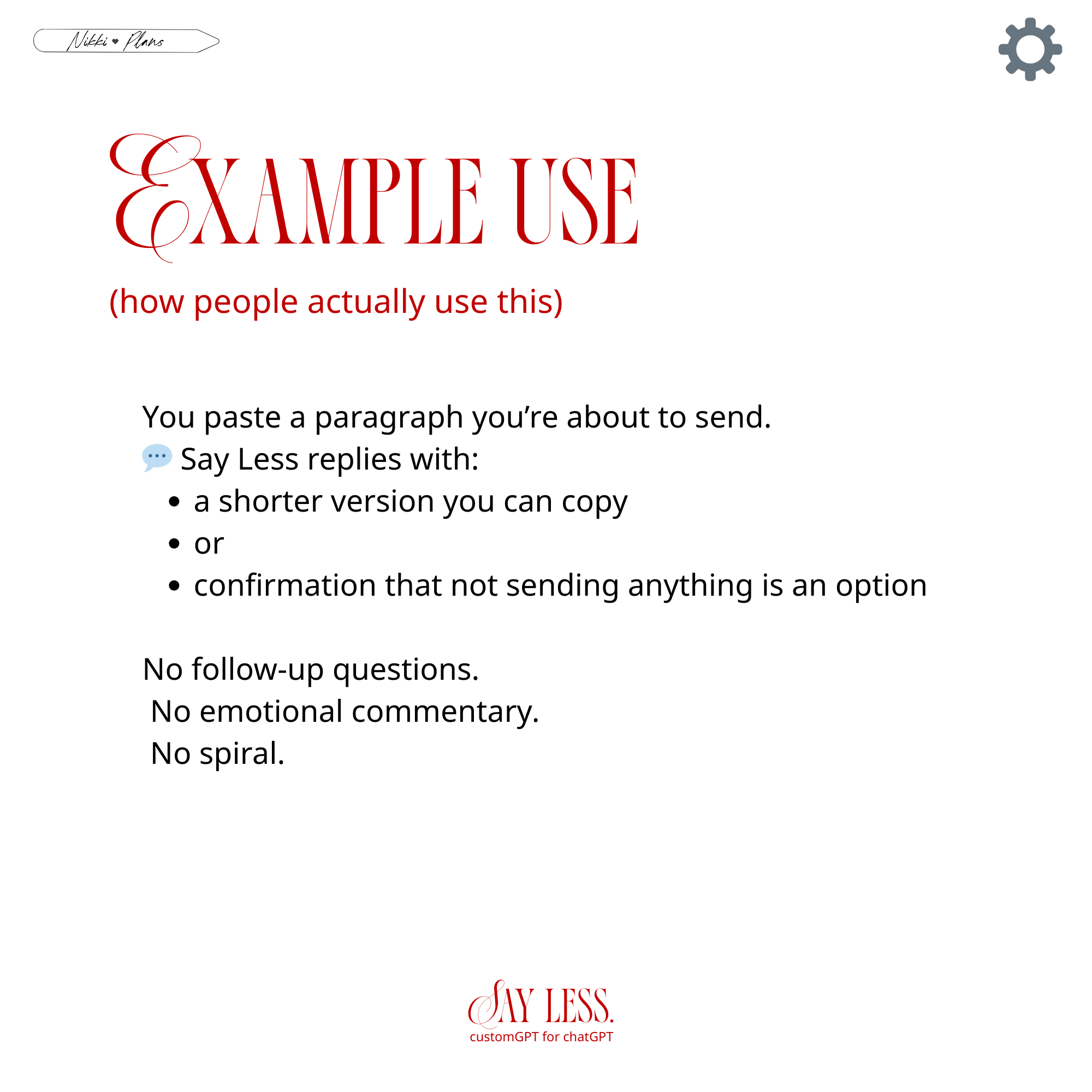
If you need message cleanup → Say Less
They work alongside Read The Room.
Product Details
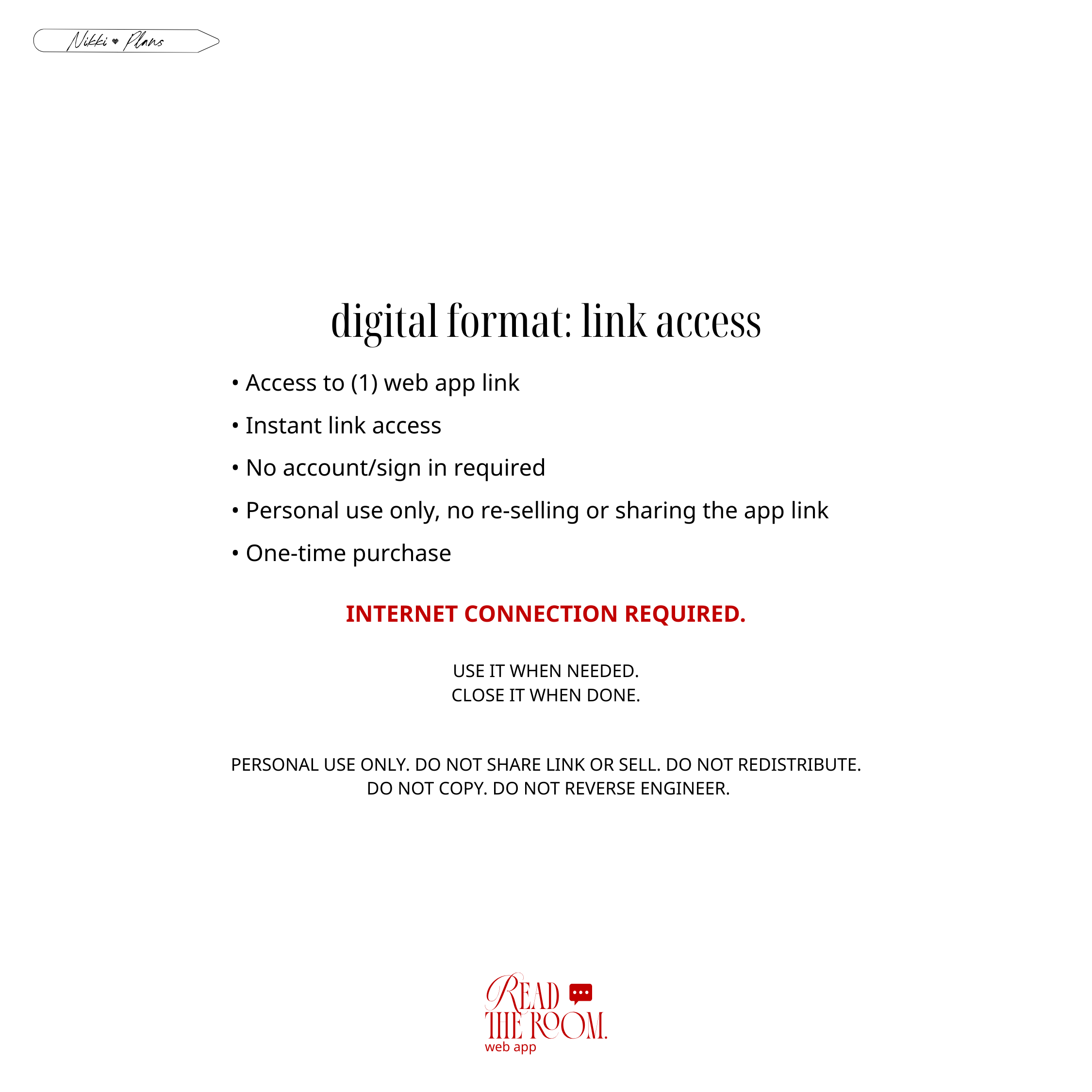
It’s a browser-based web app with instant link access. No account required. Internet connection required. Logic-based system. Personal use only. One-time purchase. $19 — use when needed.